
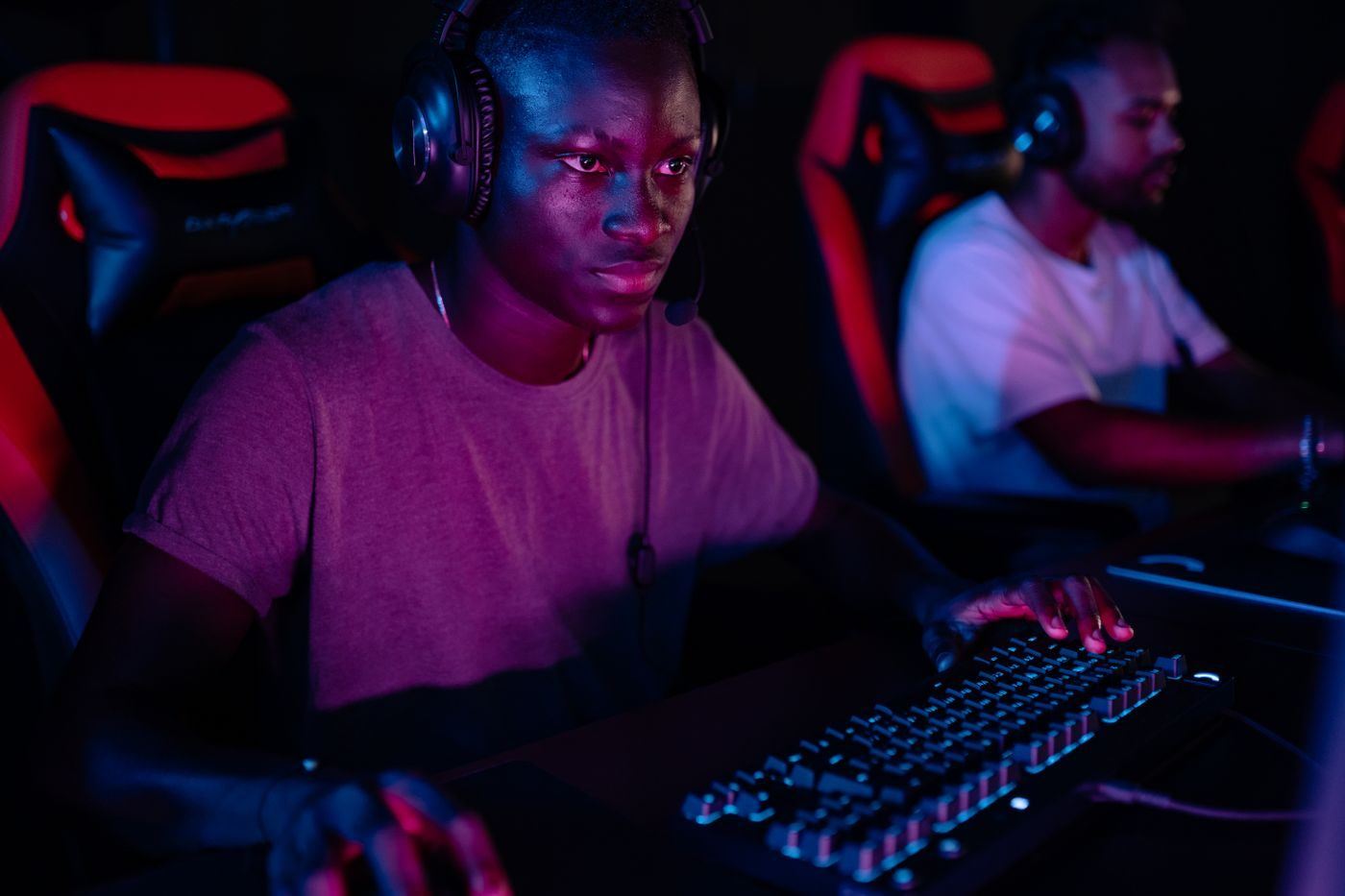
Five checks, two minutes, before your first ranked match on any café PC.
Check your refresh rate
Windows sometimes resets a monitor to 60 Hz after an update. Open display settings and confirm the panel runs at 240 or 360 Hz. Our image sets it, but it takes five seconds to be sure.
Turn off mouse acceleration
Enhance pointer precision changes how far your cursor moves based on speed. Most competitive players keep it off so muscle memory stays consistent.
Load your config
Most games sync settings to your account. For Counter-Strike 2, your cloud config loads when you sign in. Bring a USB stick with your autoexec if you use one.
Set your headset as default
Check that both game audio and voice chat point to the headset, not the monitor speakers. It's the most common question at our counter.
Close what you don't need
Our PCs boot clean, but launchers you sign into add overlays. Disable overlays you don't use to save a few frames.
If it feels off, ask the counter. We'd rather fix it than have you play a bad game.